

Andy Walker/Android Authority
TL;DR
- Google has brought many new features in its AI Edge Gallery app.
- The on-device AI app now offers chat history and notification reminders.
- The app also supports the MCP feature, so it can interact with other apps and services like Maps and email.
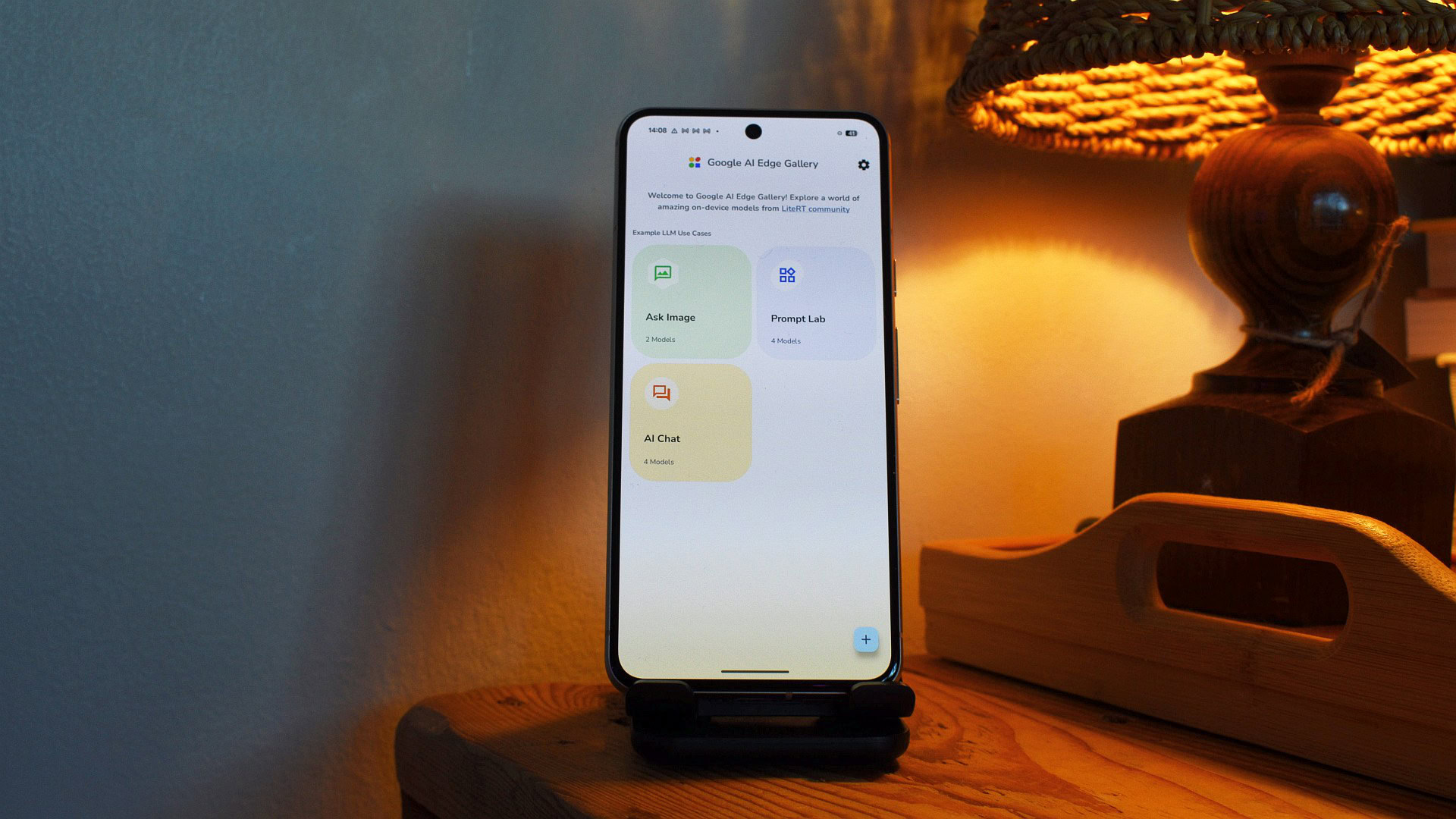
Google’s AI Edge Gallery app allows you to easily download and run AI models on the device, making it handy if you want a more private and versatile AI experience. However, the search giant is bringing even more improvements to the app as part of its I/O developer conference.
For starters, Google announced AI Edge Gallery on Android now supports the Model Context Protocol (MCP) feature. MCP is an open-source protocol that provides a standardized way for on-device AI models to interact with other apps and services. MCP servers can be hosted on a home computer or in the cloud.
Don’t want to miss the best of Android Authority?


So what kind of real-world functionality does MCP bring to the table? Well, the search giant says you can connect AI Edge Gallery to your Workspace MCP so that your on-device AI chatbot can check your calendar for events or check your email for bill and ticket information. You can also connect to Google Maps MCP to ask about nearby points of interest or travel times. Finally, Google says you can connect to a Web MCP so that your on-device chatbot can access a URL and retrieve news or documents.
Have you used the Google AI Edge Gallery app?
0 votes
Another major addition to AI Edge Gallery is the notification reminder functionality:
If you tell the agent, ‘Remind me to log my mood every night at 10 p.m.,’ it schedules a local notification. When you tap that notification, the app opens directly to the right tool and starts a session with Gemma 4, ready to help.
In other words, it allows you to create proactive routines that pop up when needed. Google says you can use this feature to create a “daily nudge” that asks how you’re doing and subsequently tracks your mood and well-being over time. You can also use this feature to effectively create a daily digest in the morning, giving you an overview of your calendar and schedule before you leave home.
The additions don’t stop there, as Google says the AI Edge Gallery now supports persistent chat history. This is obviously very handy, allowing you to instantly resume sessions while keeping your conversation history intact (including generated media).
In any case, we’re glad to see all of these features coming to the AI Edge Gallery, because it means you’re making fewer compromises in your pursuit of a practical but personal on-device AI experience.
Thank you for being a part of our community. Please read our comment policy before posting.
