

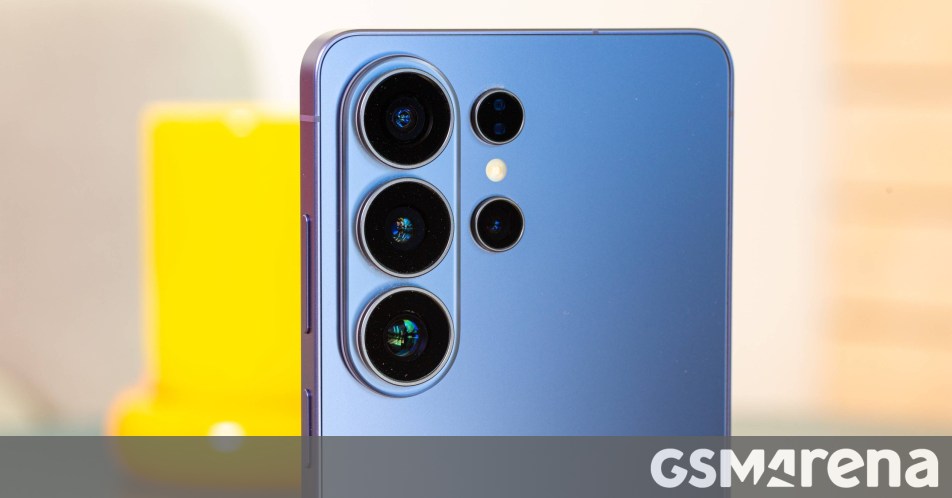
Samsung introduced a feature with the Galaxy S26 series, which is coming to some older Galaxy smartphones eligible for One UI 8.5. We are talking about the improved document scanning feature, called Document Scan.
Previously, when you clicked multiple photos of documents, they were not saved as a single PDF document. Samsung made this possible with Document Scan, which is available to Samsung Galaxy S26 users.
Samsung Galaxy S26 Ultra
Additionally, Samsung has also made it easier to access Document Scan by allowing users to add its shortcut to their phone’s homescreen. Simply open the phone’s default camera app, go to camera settings > scan > document scanAnd turn on the toggle next to the “Add document scans to Apps screen” option.
The document scan feature is coming to the Galaxy S25, Galaxy S25+, Galaxy S25 Ultra, Galaxy S25 Edge, Galaxy Z Fold7, and Galaxy Z Flip7 with One UI 8.5, so when Samsung releases stable One UI 8.5 for these devices, all owners of these devices will be able to use it.
Of course, there are more Samsung devices eligible for One UI 8.5, but whether they will get Document Scan remains to be seen.
Samsung Galaxy S25 Ultra
Samsung Galaxy Z Fold7
Source (in Dutch)
