

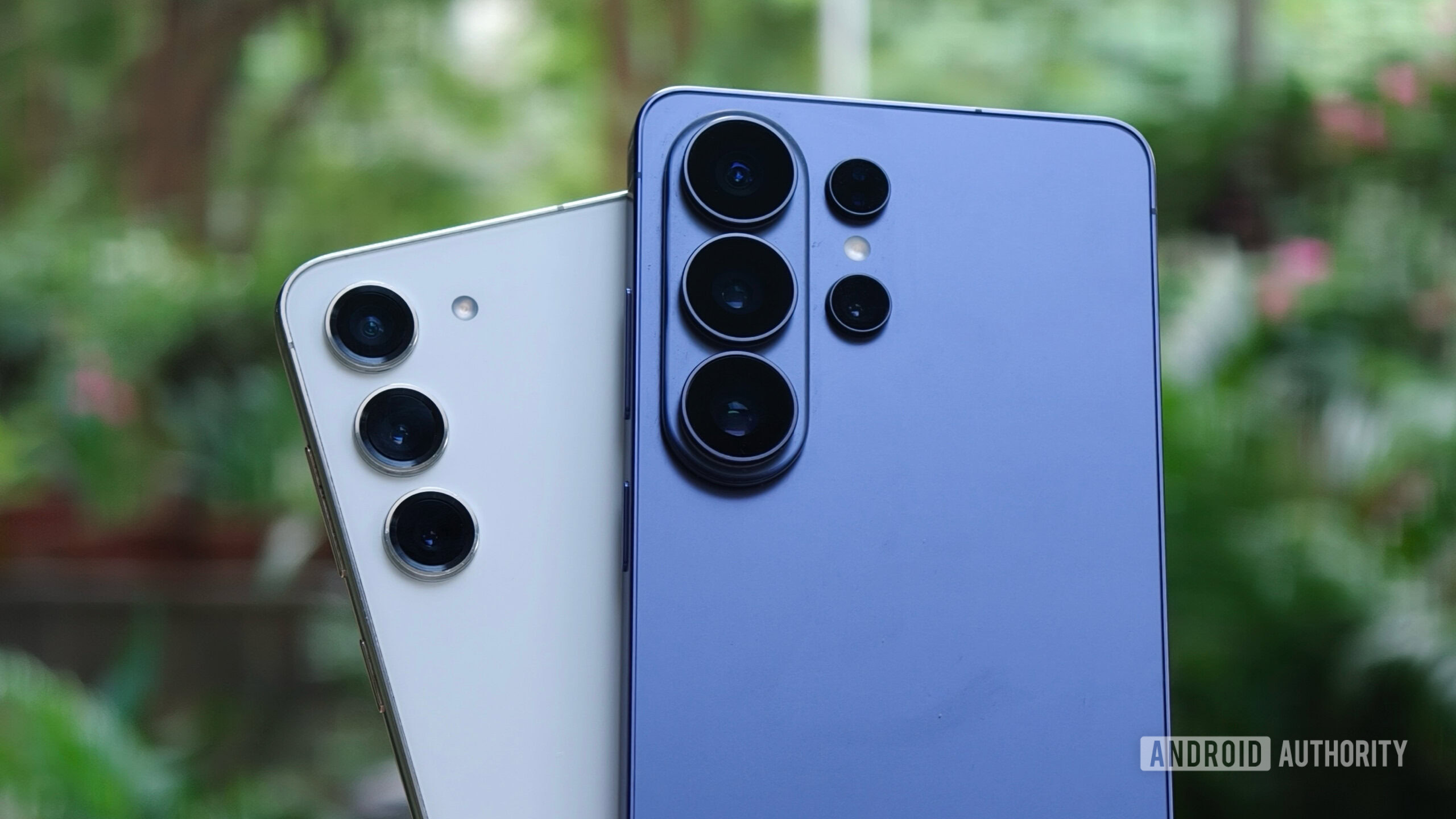
Less and less people are upgrading to new phones every year, and honestly, I understand that. I have been using the Samsung Galaxy S23 since October 2023, and it has been a great experience. I rarely felt it slowed down, and although there were the occasional hiccups, it wasn’t enough to make me dislike the phone.
However, recently I got a chance to try out the Galaxy S26 Ultra, and with the Samsung Store offering a solid trade-in for my Galaxy S23, I finally decided to upgrade after almost 2.5 years. I’ve been using the Galaxy S26 Ultra for the past few weeks, and there are three big changes that have made the switch totally worth it.
If you bought the Galaxy S26, did you upgrade from an older Samsung phone?
154 votes
Privacy performance is really useful (but not perfect yet)

The key feature of the Samsung Galaxy S26 Ultra is the new privacy display. For those unaware, this feature helps prevent people around you from seeing your screen. You can technically achieve something similar with a privacy screen protector, but Samsung has integrated it directly into the display, which is something we’ve never seen before.
You can turn the privacy display on or off whenever you want. So, if I’m watching something with someone next to me, like a video with my wife, I can turn it off, and the display becomes visible from the sides again. But when I’m traveling by train and don’t want other people to peek at my screen, I can turn it on and limit the viewing angle.
In fact, the privacy display works really well. Sure, it’s not as effective as a dedicated privacy screen protector, as some content is still slightly visible from extreme angles, but the implementation is what really stands out. You can keep the display as normal most of the time and enable this feature only for specific situations.
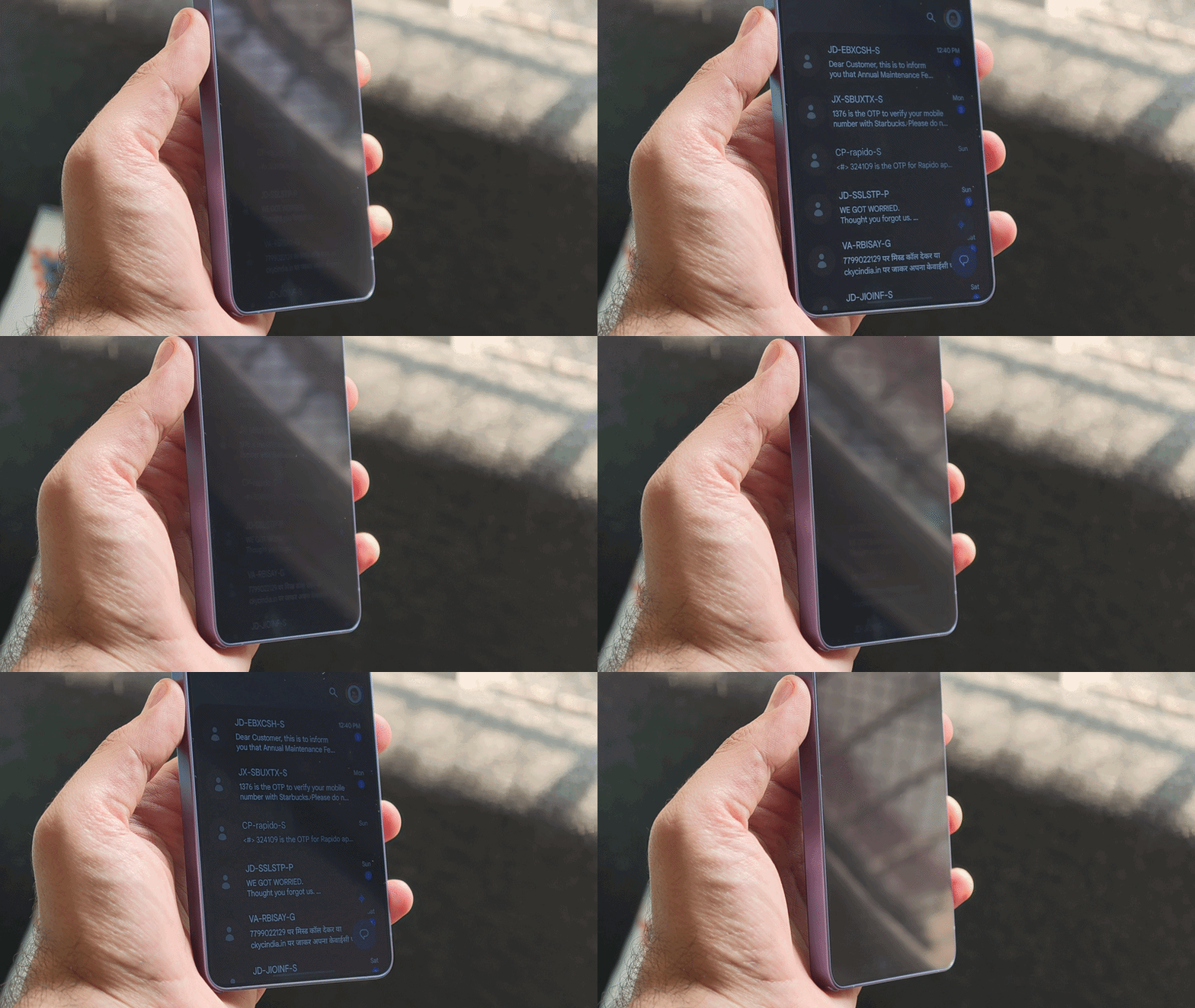
For example, I’ve set it to turn on automatically for apps like WhatsApp and Messages, when entering a PIN or password, and for notification pop-ups. Only those specific elements are hidden, while everything else looks like a normal display. That level of control is what made me really appreciate this feature.
Sure, the privacy performance isn’t perfect. There is still some leakage from certain angles, and the “maximum privacy mode” makes it really hard to use the screen. But for the first generation implementation, Samsung has done a great job. I’m already a fan of the hardware-level approach, and I’m confident it will get even better in future versions. But still, the privacy display has been a big upgrade compared to my Galaxy S23.
Seven years of updates and Galaxy AI make it an easy long-term choice

While most Galaxy phones now come with long-term software support, Samsung has only introduced an extended update policy starting with the Galaxy S24 series. That means the Galaxy S23 I was using is limited to four years of major updates, and Samsung has already rolled out three of them. Only Android 17 update left.
Moving to the Galaxy S26 Ultra means I’ll now get longer support. Samsung is promising seven years of major OS updates for this device, meaning it’ll remain relevant for much longer than my Galaxy S23.
Additionally, Samsung has added several new Galaxy AI features that aren’t available on the Galaxy S23 (and may not be coming anytime soon). For example, one feature I’m actively using is call screening. Similar to what’s available on Pixel devices, it asks unknown callers on your behalf why they’re calling and only alerts you when it’s worth picking up. In my area, I get at least three anonymous calls every day, and it has been a lifesaver.
Another feature that came with the Galaxy S26 Ultra (or rather One UI 8.5) is notification summaries. As the name suggests, it converts long information into a more readable format. For example, if you’re getting a flood of messages in a group chat or a long email that you don’t have time to read, this feature summarizes it all in a quick and digestible form. It took a few minutes to understand what I saw, but waking up to neatly summarized notifications is a really nice benefit that I didn’t get on the Galaxy S23.
So many specific upgrades that really add up

Paul Jones/Android Authority
Additionally, several hardware upgrades make it worthwhile to switch from the Galaxy S23 to the Galaxy S26 Ultra. The base Galaxy S23 I used came with a 3,900 mAh battery. Moving on to the Galaxy S26 Ultra, even though Samsung hasn’t increased the battery compared to its previous Ultra models, it still means I’m now getting a much larger 5,000mAh cell.
It can’t match the larger batteries of some Chinese competitors like the OnePlus 15 with a capacity of over 7,000 mAh, but it’s still a solid upgrade compared to the S23. In real-world use, I had to charge my Galaxy S23 at least twice a day. While some of this was due to battery degradation over time, the Galaxy S26 Ultra easily lasts a full day for me, even with heavy use.
Several hardware upgrades make it worthwhile to switch from the Galaxy S23 to the S26 Ultra.
Charging speed has also improved significantly. The Galaxy S23 is limited to 25W charging, while the Galaxy S26 Ultra supports up to 60W. In everyday use, this has made a noticeable difference for me. My S26 Ultra took just 45 minutes to go from 0-100%, while the S23 took over an hour to top up completely.
And yes, the chipset is upgraded. The Galaxy S26 Ultra runs on the Snapdragon 8 Elite Gen 5, which is much more capable than the Snapdragon 8 Gen 2 in the Galaxy S23. I don’t play a lot of games on my phone, but when you think long term and take into account AI features as well as tools like Samsung DeX that I use frequently, the performance bump definitely comes in handy.
Was the Galaxy S26 Ultra worth the upgrade?
So, was it worth it for me to upgrade from the Galaxy S23 to the Galaxy S26 Ultra? Absolutely.
Sure, I miss the compact size of the Galaxy S23, and I wish Samsung would make a mini-er version of the Ultra. But apart from that, the Galaxy S26 Ultra is a breath of fresh air. The larger battery, better chipset for longer usage, faster charging that you’ll really appreciate over time, and the clean, bug-free One UI 8.5 experience make the upgrade worthwhile.
There are still some surprises, especially the whole Qi2 situation and Samsung’s refusal to add integrated magnets to its phones. But look beyond that, and the Galaxy S26 Ultra has been a great experience and a very worthwhile upgrade over the S23.

Privacy Performance • Snapdragon 8 Elite Gen 5 for Galaxy • Power AI Features
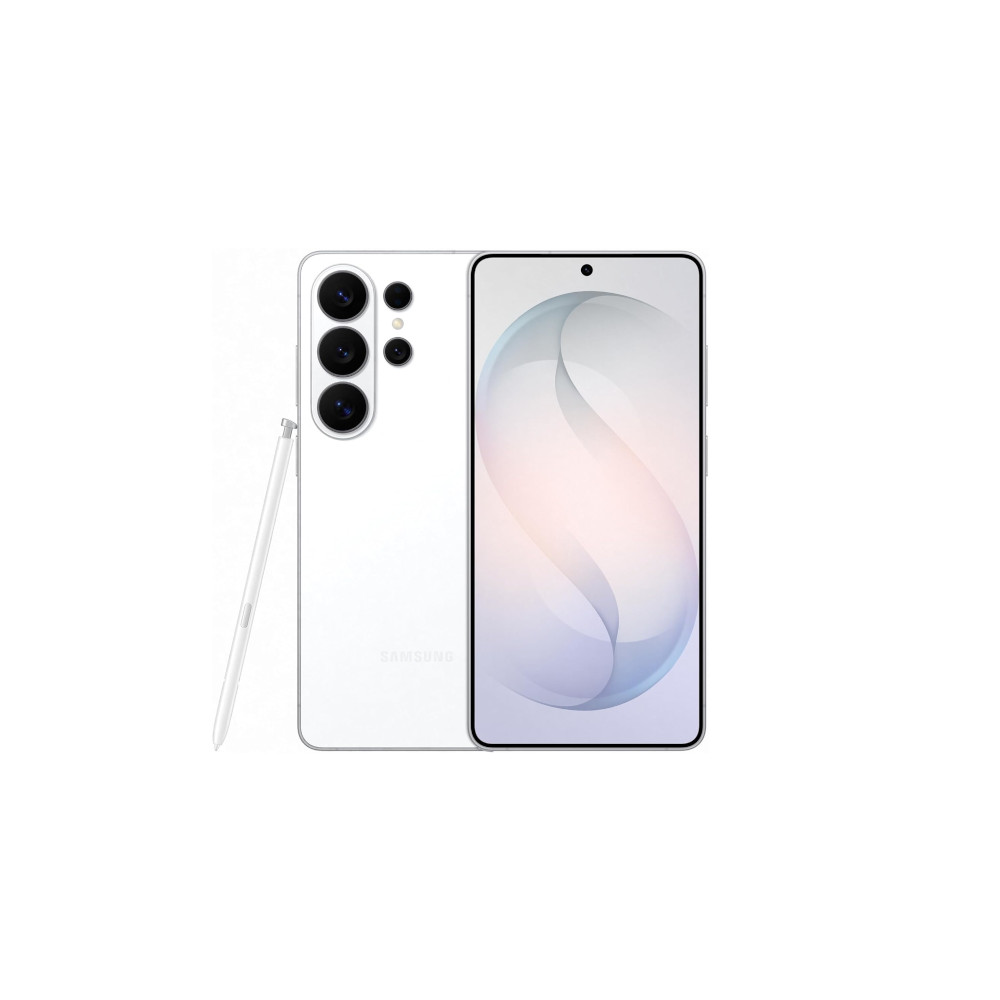
Powerful flagship with top-tier cameras, AI and privacy features.
The Galaxy S26 Ultra is Samsung’s thinnest and lightest Ultra to date, featuring a 6.9-inch display with the Snapdragon 8 Elite Gen 5 and a redesigned cooling system for the Galaxy. It doubles the imaging with a brighter 200MP main camera, advanced zoom, advanced 8K video features and ultra-exclusive privacy and Galaxy AI tools.
Don’t want to miss the best of Android Authority?


Thank you for being a part of our community. Please read our comment policy before posting.
