

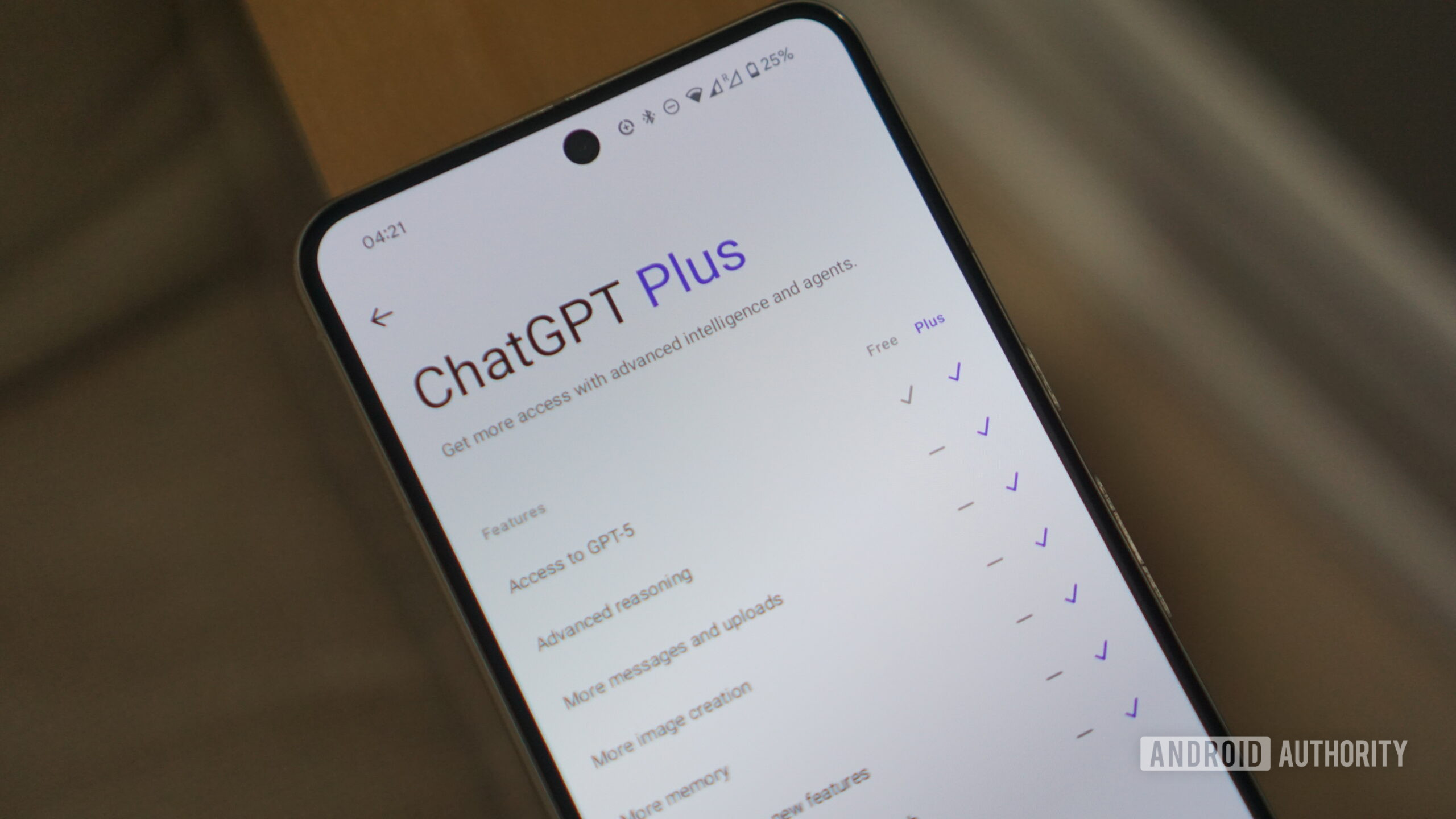
Kelvin Wankhede/Android Authority
TL;DR
- OpenAI is testing a more efficient way to let ChatGPT see your screen on Android.
- It can use Android 17’s new Bubbles feature and accessibility options to see what’s on your screen.
- This method uses system resources more efficiently than the current screen-sharing method that involves casting.
OpenAI is looking for a way to use a new Android 17 feature that could change the way screen sharing works with ChatGPT on Android.
ChatGPT on Android currently uses MediaProjection APIWhich is also used for screen recording or casting the screen to an external display to see what is on your screen. This method may seem cumbersome for a variety of reasons, including various permission dialogs and warning pop-ups that appear, which may hinder your workflow. Since the API also records the screen continuously, this can lead to high resource usage, slowing down other processes.
To address these concerns, OpenAI is developing a new method that can perform the same task while using fewer resources. In version 1.2026.118 of the ChatGPT app on Android, we’ve discovered that OpenAI is working on the idea of using Android 17’s Bubbles multitasking feature, as well as Android’s accessibility settings, to let the chatbot see what’s on your screen.
This feature changes the workflow for screen sharing in ChatGPT. When it is first enabled, users will need to enable some settings so that ChatGPT can “read visible text, buttons, and screen descriptions.” They are first directed to enable “ChatGPT Screen Help” in Android’s Accessibility settings, after which they will need to enable notifications and conversation bubbles for the app. These settings will prevent the app from closing.
Once the permissions are granted, a conversation bubble will appear on your phone’s screen, and you can use it to see what’s on your screen, whether you’re on the home screen or in an app.
Don’t want to miss the best of Android Authority?


You will be able to interact with ChatGPT by tapping this bubble. Here you’ll have the option to ask specific questions about the contents of the screen, and it will ignore any references to existing chats, focusing only on what it currently sees on your screen.
While this approach circumvents the excessive resource usage of the existing screen-sharing method, providing access to AI chatbots may also be a concern for some cautious users. We’re unsure how OpenAI plans to address those fears, or how soon we’ll see the feature implemented.
⚠️ One tearing apk Helps to predict future features of a service based on work-in-progress code. However, it is possible that such predicted features may not make it to the public release.
Thank you for being a part of our community. Please read our comment policy before posting.
