

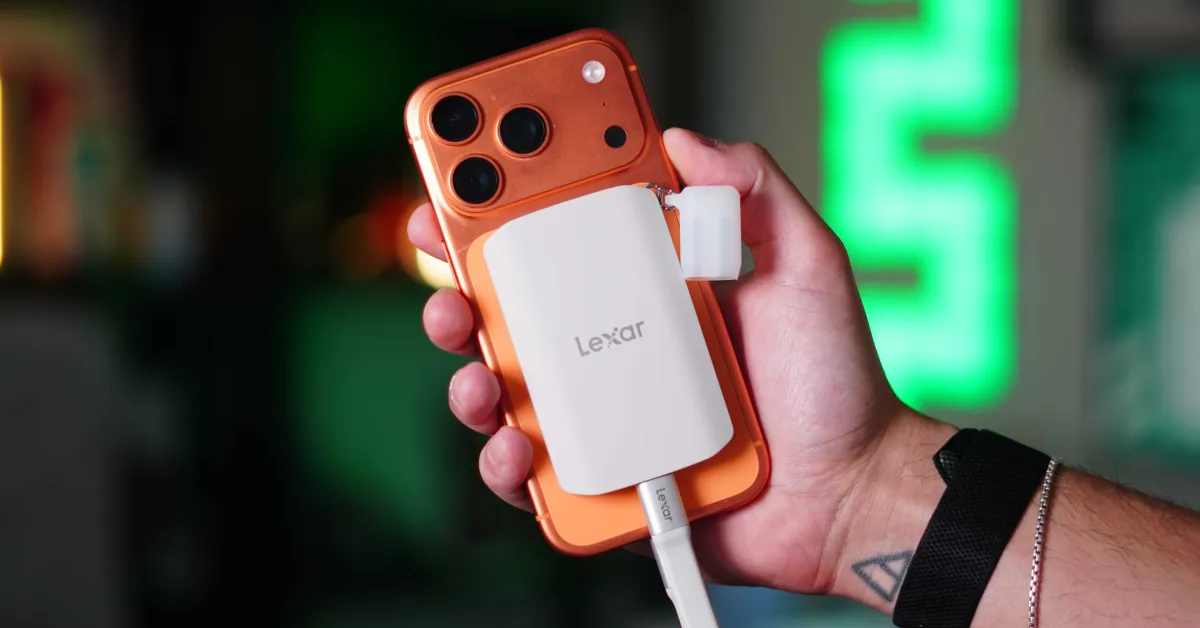
When Apple first introduced MagSafe to the iPhone 12 lineup, I knew it was going to be a hit. This immediately allowed a modular accessory ecosystem for the iPhone to flourish. But then they gave us USB-C, and that opened the floodgates. Between MagSafe and USB-C, the types of accessories you could plug into your iPhone were basically limitless. is the best example of Lexar ES5 Magnetic Portable SSD. Spending some time using the ES5 with the Blackmagic Camera app, I can confidently say that this is one of the more practical MagSafe storage accessories I’ve tested recently. Here’s what you need to know.
I’ve used Lexar SSDs for years. They are compact, well built and, most importantly, extremely reliable. As of today, I have one main SSD Lexar SL500. The ES5 Magnetic SSD takes all that and makes it extremely convenient to use on the go. We’ve seen a bunch of SSDs marketed to creators, but they seem like standard SSDs that aren’t ergonomically optimized for iPhone videography. But now, this ES5 seems purpose-built for iPhones, whether for content creation or just storing videos and photos that are easily accessible on your iPhone. It also brings some unique features.
- Read and write speed up to 2000MB/s
- USB 3.2 Gen 2×2 support
- MagSafe-Compatible Magnetic Attachment
- An additional magnetic metal ring is included if you want to mount it on the back of your laptop or other non-MagSafe surfaces
- Apple ProRes and ProRes RAW support
- IP65 dust and water resistant
- 3-meter drop resistance
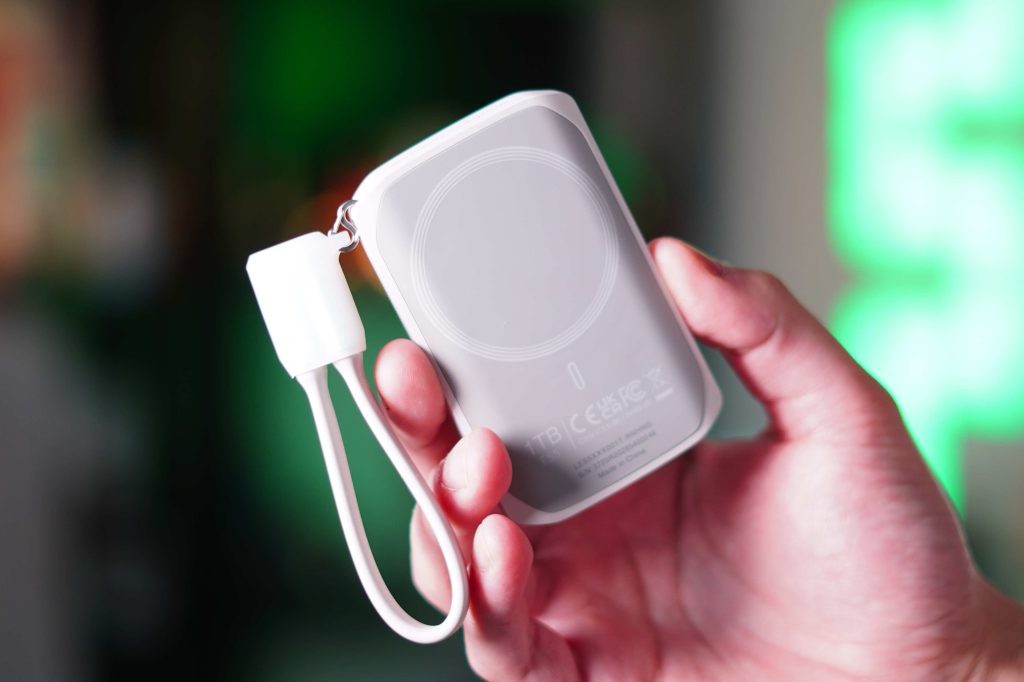
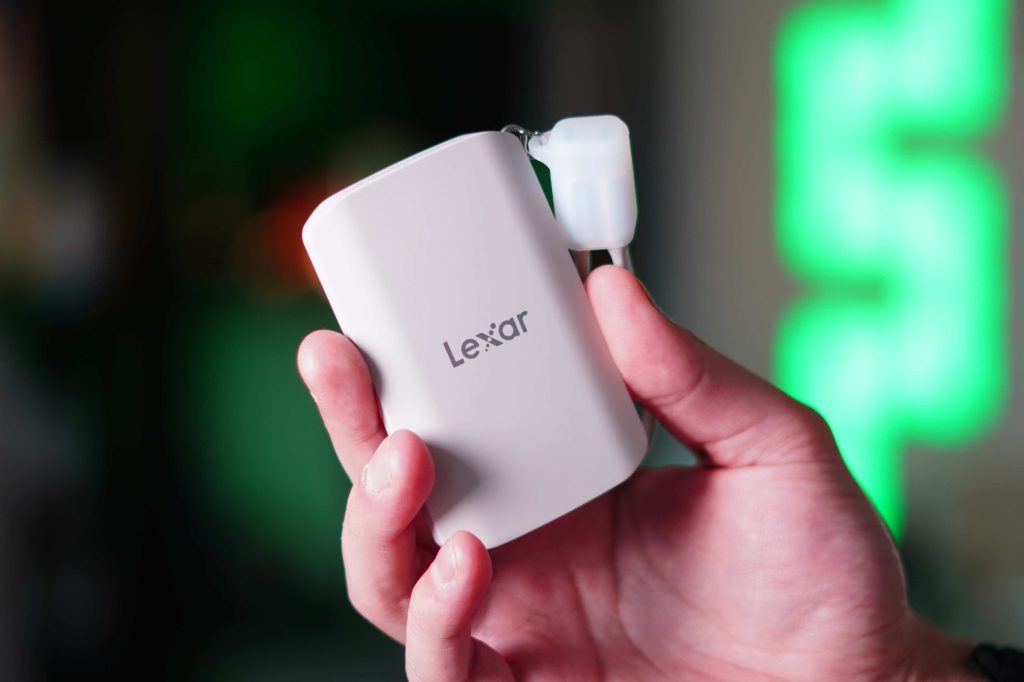
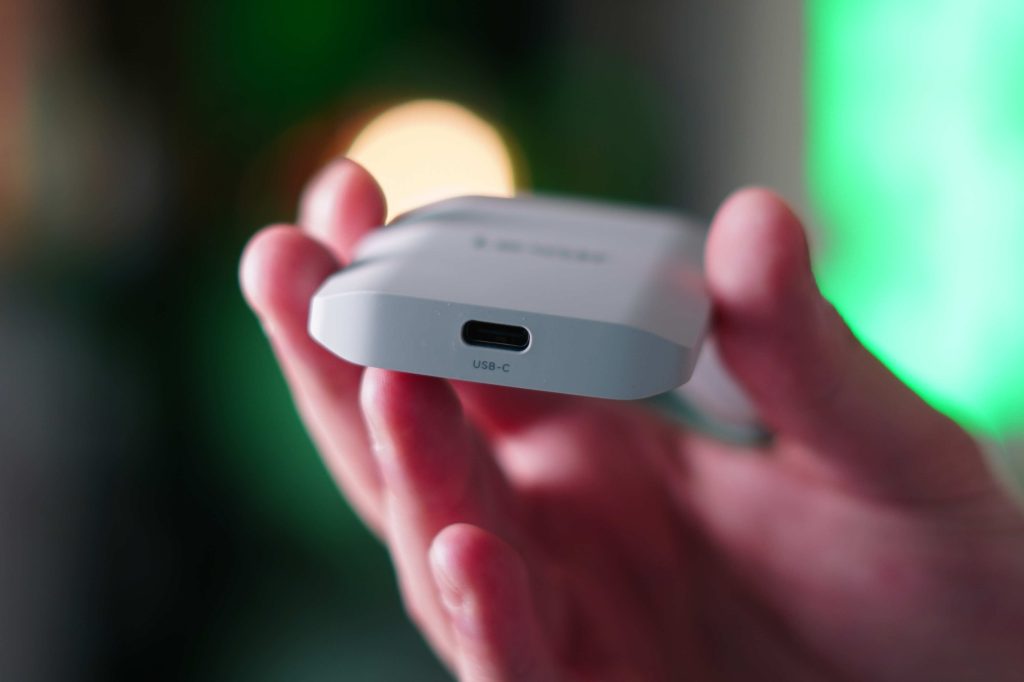
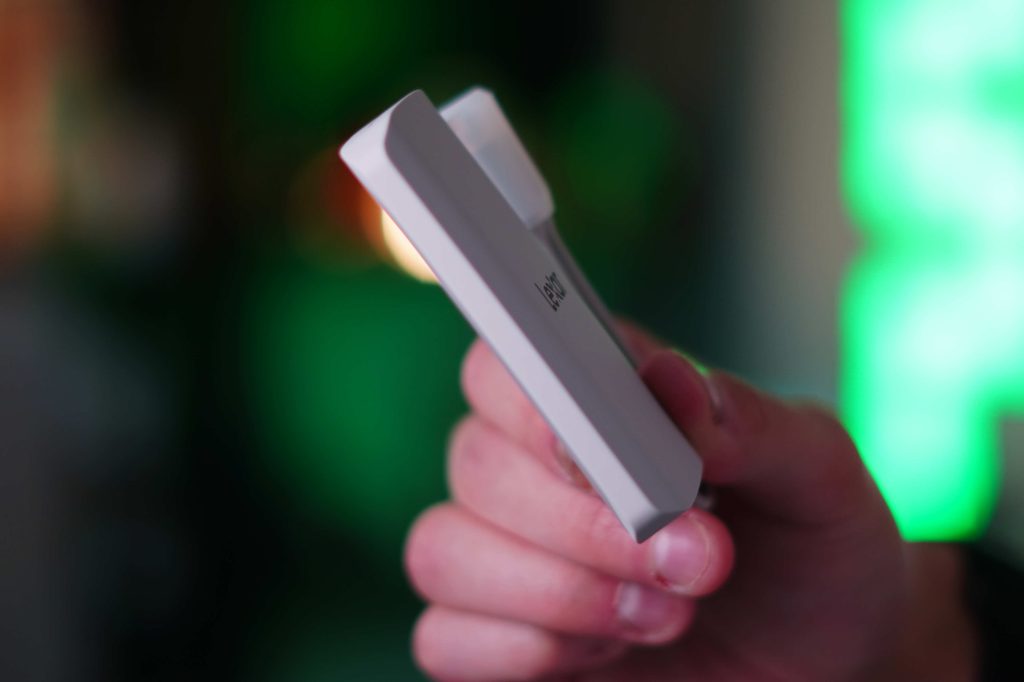
While this SSD can work as a normal SSD with any device that has a USB-C port, it seems to be built for the iPhone as it supports ProRes RAW recording natively. This lets you record incredibly large, high-quality files directly to the SSD without draining your phone’s internal storage. The second piece that stood out was how dense it is. Its weight is only 80 grams and thickness is 11 mm. It also has a soft-touch rubber finish which makes it very comfortable to hold.
my experience
When it comes to professional videography on my iPhone, I’m a big fan of the Black Magic Camera app. It gives you all the tools, toggles, features, and manual customization you get from a regular camera, but on your iPhone. Although the stock iPhone camera app has improved over the years, it still lacks many of the features you’d expect from a dedicated camera. One feature of the Black Magic Camera app is that it lets you record directly onto an external SSD. You can do this on the stock iPhone camera app, but only for ProRes RAW footage. If you want to shoot regular video, it won’t let you shoot directly to the SSD.
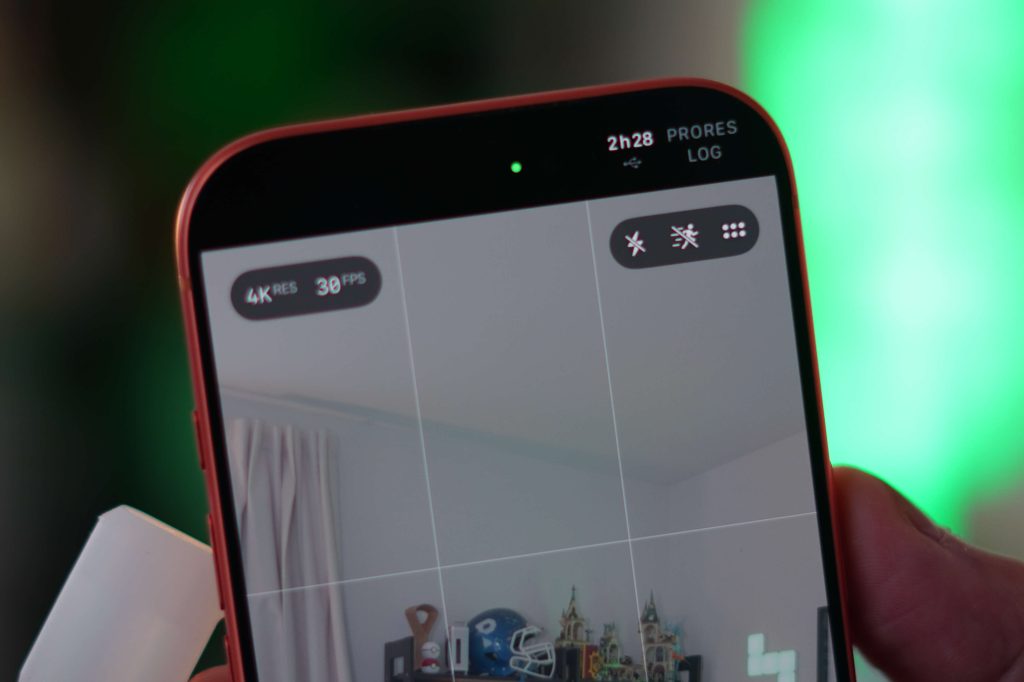
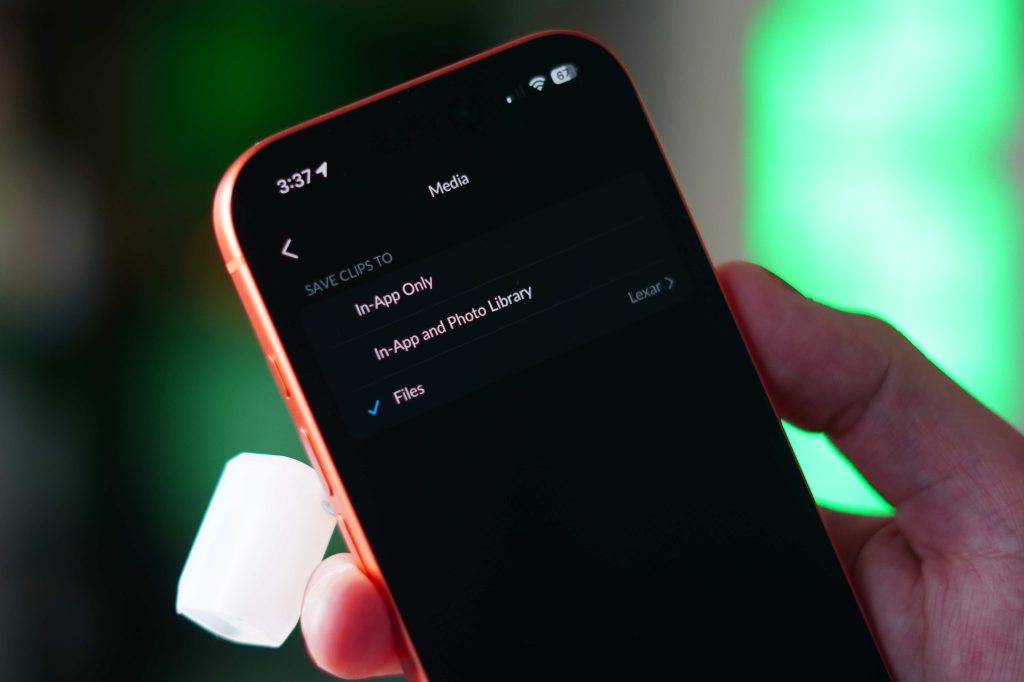
So this is my main use case for this lexer ssd. I plug in the ES5 SSD, open the Blackmagic Camera app, and start recording directly to the SSD. Since it supports high 2000MB/s read and write speeds, it works so flawlessly that it seems as if the storage is internal. Once I’m done recording, I disconnect the SSD and plug it into both my Macbook Pro Or ipad proAnd since I also edit the SSD, I can start my editing process. This removes many of the steps of managing media files. So my workflow really gets a nice efficiency boost.
As I mentioned, it can also record in ProRes Raw natively from the iPhone camera app. I personally don’t use that media type because I find the file size too large to work with, but if you do, this SSD is an easy task. The iPhone camera app is also well optimized for this. When you plug the SSD in, and go to ProRes mode, on the top right corner of the app, you get a USB icon as well as an estimate of how much time you can record based on how much storage is available. I love that feature.
build quality
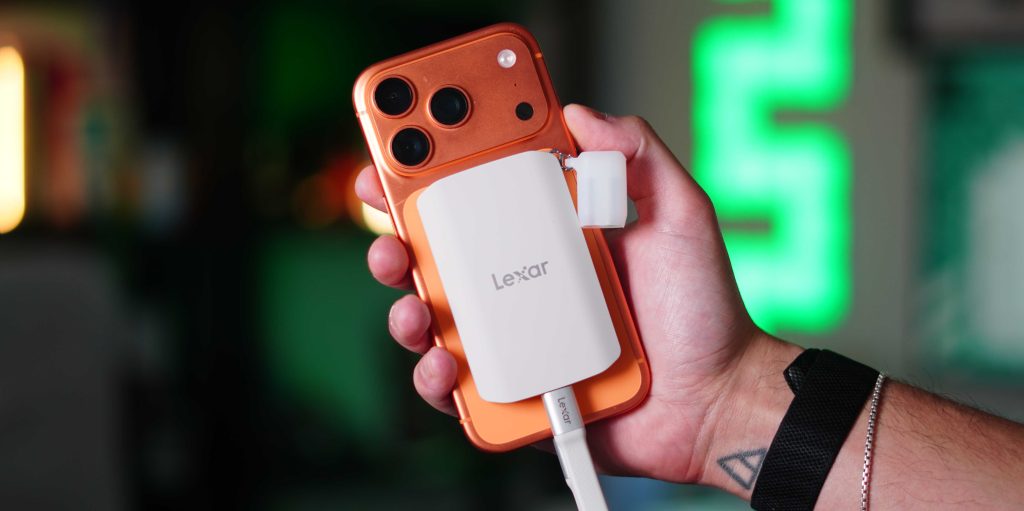
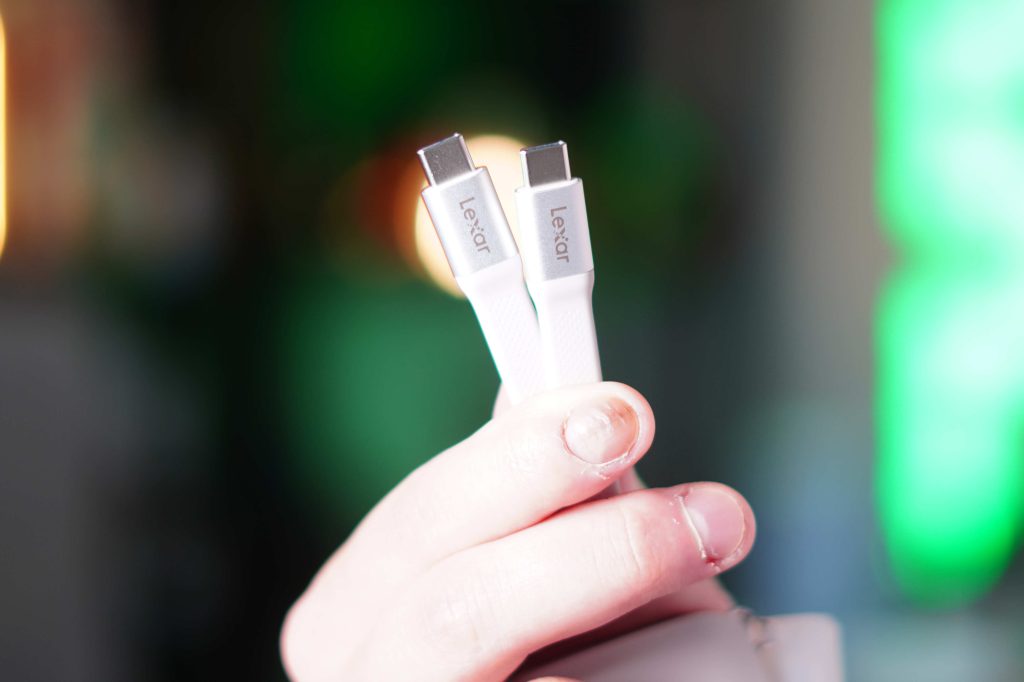
I also wanted to briefly mention the build quality. This SSD is ultra compact and fits perfectly on the back of the iPhone. I use the smaller iPhone 17 Pro, and it fits perfectly in the hand. The soft-touch rubber gives you confidence when holding it and feels good on your hand. The magnets are strong even without the MagSafe case. They also include a perfect length USB-C cable that also doubles as a lanyard. If you want a cleaner look, you can even remove it entirely, which is a nice touch. I was amazed at how small, compact and good it feels in the hand.
Pricing and Availability
We all know that storage pricing is increasing. But buying external storage from Apple is still far cheaper than upgrading your internal storage (at least for now). Lexar ES5 available in 1TB and 2TB Option, with 4TB option coming soon. 1TB version is $199and this 2TB is $399. If I want a 1TB iPhone I have to spend an extra $400 to get the extra 750GB. Then, if I want a 2TB iPhone, it’ll be an extra $700. So at the moment, external storage is still quite cheap.
final thoughts
If you’re always running out of storage on your iPhone, or if you create content on it, this is a great storage solution to consider. I think the ES5 is the best example of how MagSafe and USB-C are opening the door to really useful accessories. This SSD is clean and compact; It boasts the performance required so you can use your iPhone at its peak performance, and the reliability of the Lexar is unmatched. This is one of those products that quietly becomes part of your setup because they solve a real problem without any friction. And honestly, these are usually the best kind of accessories.
What do you think? Do you always get the base iPhone? Do you pay Apple more money for more storage? Have you used an external SSD with your iPhone? Let’s discuss below!
best apple deals


FTC: We use auto affiliate links that generate income. More.
